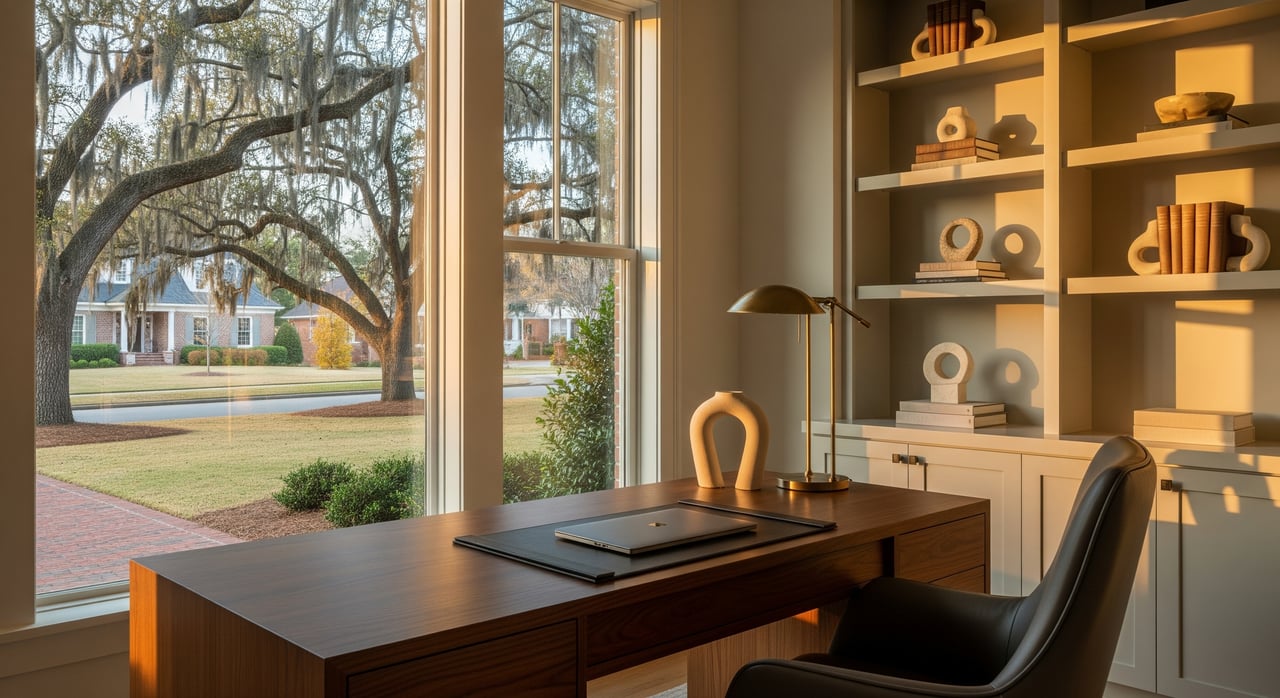
Apex Home Office Neighborhoods for Remote and Hybrid Work
January 15, 2026
January 15, 2026
Working from home in Apex can be a great fit if your house, internet, and daily routine support the way you work. Maybe you want a quiet first-floor office, rock-solid upload speeds for video calls, and a quick option for client meetings. You can find all of that here, but it takes a focused plan. In this guide, you’ll learn how Apex neighborhood types compare for home offices, how to verify internet at a single address, and what floor‑plan and HOA details to check before you buy. Let’s dive in.
Start by matching your daily work style to the right neighborhood type. If you need walkable coffee shops and a quick change of scene, the historic core can be convenient. If you want a dedicated first-floor study with doors and modern wiring, newer subdivisions usually deliver. If you host clients or need more privacy, larger lots or luxury enclaves often have multiple flex rooms and separate entries. Townhome or mixed‑use options can work for compact, low‑maintenance living with a simple desk setup.
From there, verify internet service at the specific address, not just the neighborhood. Then confirm the office-ready details in the floor plan and the HOA rules that affect home-based work. Finally, plan a backup for power or internet to keep your day on track.
Each area in Apex offers different tradeoffs for remote and hybrid work. Here is what to expect.
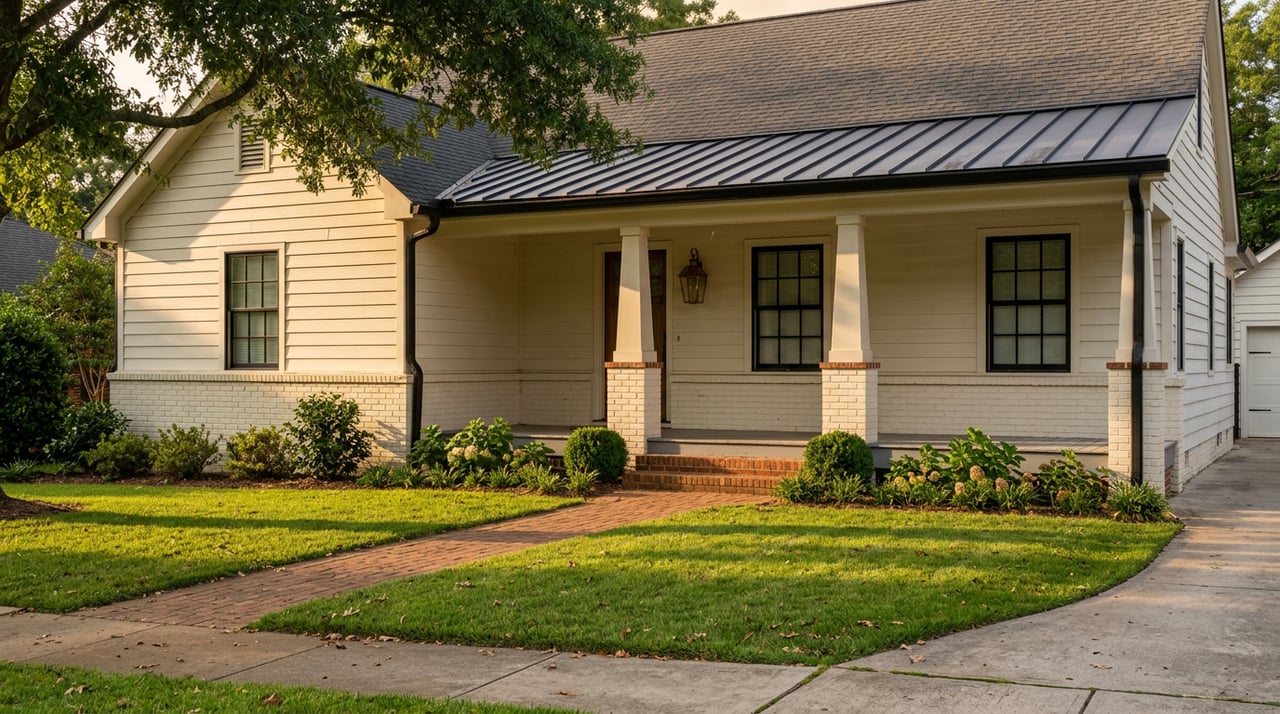
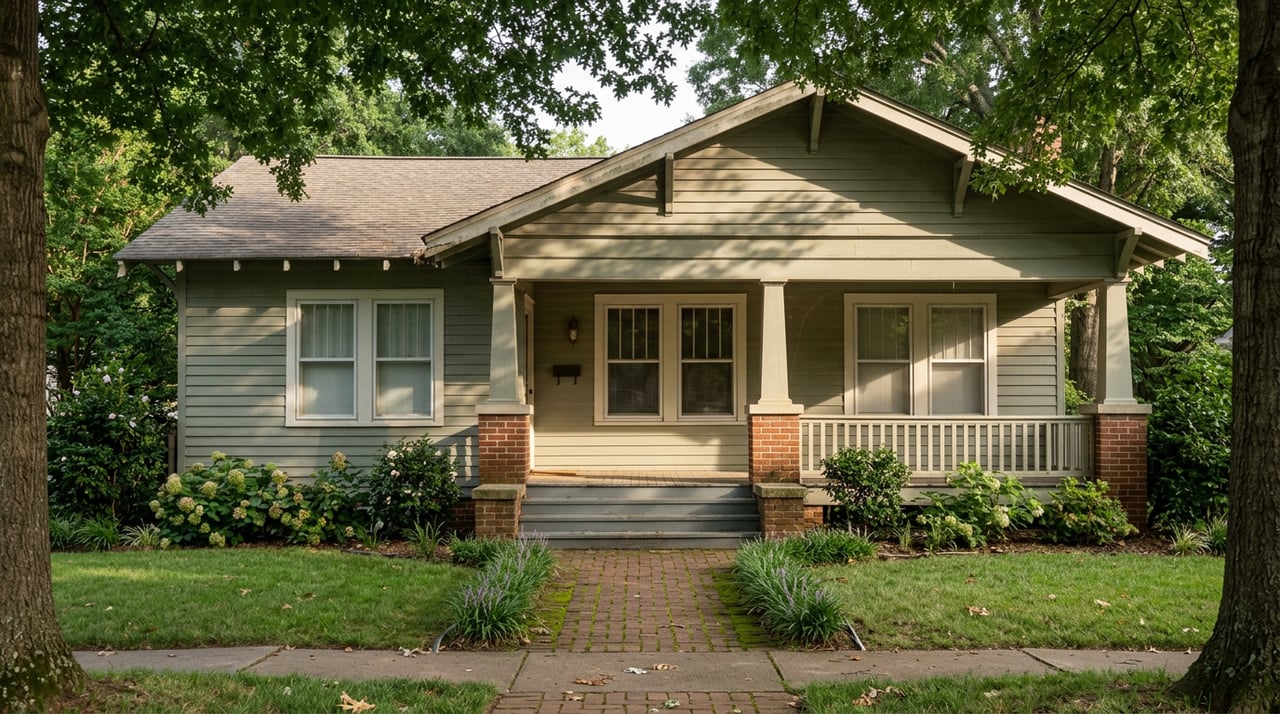
Older cottages, bungalows, and renovated single-family homes cluster around the walkable historic core. Many were built before remote work was common, so offices are often converted bedrooms, dens, or a finished attic or bonus area. Some renovated homes add a first-floor study, but that is less common than in new construction.
Connectivity varies by street and by renovation history. Cable internet is typically available, and fiber may or may not be, so confirm at the address level. The big advantage here is flexibility during the day. You can walk to coffee, restaurants, and the local library for a change of scene or a casual client meet-up. The tradeoffs include smaller office footprints and the possibility of older HVAC or noise insulation.
Subdivisions built in the 2000s and newer often feature open plans with labeled studies, dens, and flex rooms designed for today’s work. Many floor plans include a first-floor office with doors, a formal dining room you can convert, and upstairs lofts or bonus rooms that can serve as a second workspace.
Builders in these neighborhoods are more likely to have included modern telecom wiring. Cable is broadly available, and fiber service is expanding across Wake County. You still need to verify at the property level. The pros are clear: purpose-built office spaces, a higher chance of multiple Ethernet drops, and easy access to garage or attic spaces for network gear. The cons can include less walkable access to downtown amenities and HOA rules that may limit exterior signage or frequent client visits.
Areas such as the Beaver Creek corridor and similar enclaves feature larger lots and custom or semi-custom homes. Expect multiple flex rooms, libraries, and bonus spaces. Some homes include guest suites or detached structures that can be adapted into a quiet office or client-facing studio.
Connectivity is often strong, but still confirm per address. You gain room for a generous office footprint, quieter settings, and better options for client parking or separate access. The tradeoff is a higher price point and, in some cases, a longer drive to central Apex amenities.
Townhomes and infill developments near commercial corridors offer compact footprints and low-maintenance living. You may find small office nooks, a second bedroom that becomes a workspace, or live/work units with ground-floor flex areas for client use.
These developments are typically served by cable. Fiber may be present in some buildings, so confirm by address. Benefits include proximity to shops and coffee, plus simpler upkeep. Downsides include smaller, less private work areas, shared walls, and HOA limits on signage or frequent visitors.
Internet options change block by block in Apex. Do not assume fiber is available because you saw a provider’s logo nearby. Verify service and speed for each property with a few quick steps.
A stable connection with enough upload capacity is essential for video calls and cloud work. Use these practical targets to match your household’s needs.
Cable plans often have lower upload speeds than download speeds. If your calls freeze or recordings fail, the upload side is usually the bottleneck.
Even with fast internet at the curb, your in-home setup determines everyday performance. Plan for reliability as part of your home search.
When touring, focus on features that make your day easier and your calls quieter. A few small details can make a big difference.
Do a quick audit so you understand the setup and potential upgrade paths in each house.
Before you move forward, review the rules that could affect your work life at home.
If you plan a bigger conversion, such as a garage or detached suite, check the HOA guidelines and any permit requirements early.
Even if your home office is ideal, having a backup workspace nearby adds flexibility. In downtown Apex, coffee shops, cafes, and the Apex branch of the county library offer reliable Wi‑Fi and day-use spaces, including study or meeting rooms. These can be great for quiet work or a short client session.
If you want a more structured option, you will find multiple coworking providers and business centers within a 15 to 30 minute drive in Raleigh, Cary, and Morrisville. Use search and booking platforms to map out options, compare prices, and find private rooms for confidential calls. Consider commute time, parking, meeting room availability, day-pass costs, and whether 24/7 access is important for your schedule.
Use targeted filters and listing details to find office-ready homes faster.
Keywords: study, den, office, flex, bonus room, first-floor office, first-floor bedroom, in-law suite, separate entrance.
Year built: newer homes are more likely to include dedicated studies and structured wiring.
Media review: use floor plan images and virtual tours to confirm doors, windows, closet storage, and room sizes rather than relying on listing text alone.
New subdivisions: ask for model floor plans and option sheets that show standard or optional office layouts.
Get clarity on connectivity, comfort, and any rules that could affect your work.
Your ideal home office is a mix of floor plan, wiring, and lifestyle. In Apex, you can find it in many settings, from the charm of downtown cottages to the purpose-built studies in newer subdivisions and the flexible footprints in upscale enclaves. The key is to verify internet service by address, confirm the right room layout, and plan for a resilient in-home network.
If you want a local guide who will help you assess connectivity, read plans, and navigate HOA details, reach out to Amanda Starkey for a friendly, step-by-step process tailored to your work life.
Stay up to date on the latest real estate trends.
The Sold by Starkey team knows how to navigate the Triangle area real estate market like no other. We have firsthand, local expertise on how and where to find the best available homes—which may be why our listings only spend an average of nine days on the market, a statistic well below the Triangle average.